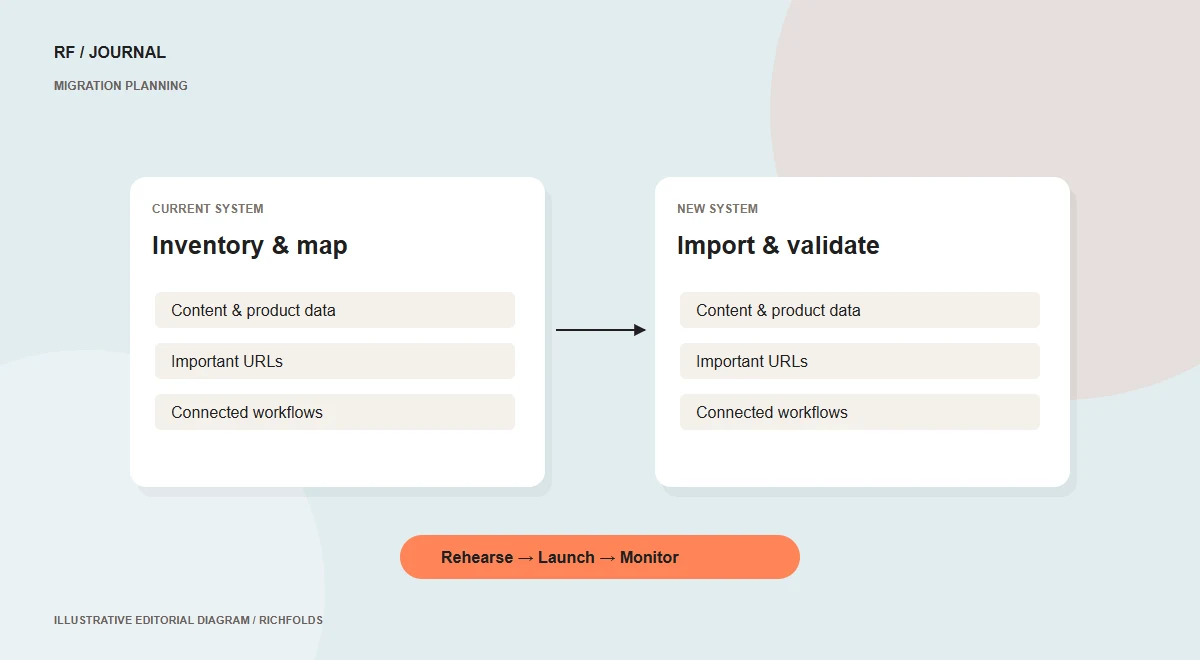
A platform migration changes more than the pages people see. It can affect content relationships, product identifiers, customer workflows, integrations and URLs already receiving traffic. A useful plan begins with an inventory and a definition of what must keep working. The launch date should follow that plan rather than become a reason to skip important checks.
Inventory the existing system
List content types, media, products, variants, integrations and business processes. For a store, investigate how orders, stock, customer access and fulfillment depend on connected services. Identify what will be transferred, rebuilt, archived or intentionally retired. Assign a person who can confirm each important data set and resolve discrepancies during the move.
Map content and URLs separately
Create a mapping between old and new content models. Record old URLs and their appropriate destinations. Keep useful addresses unchanged where practical, and use permanent redirects where addresses must change. Avoid redirecting every removed page to the homepage. Google’s migration guidance emphasizes preparation, URL mapping, redirects and monitoring.
Rehearse with difficult examples
Import a representative sample first: a long article, unusual media and products with several variants or special delivery rules. Review the result as an editor and as a visitor. Record the transformation rules so the full import is repeatable. A documented import process is easier to validate than hundreds of unrelated manual fixes.
Test complete business journeys
Review navigation, search, forms, checkout, payments and integrations in appropriate test environments. Verify permission boundaries, mobile layouts and error states. Plan how changes made on the old system during migration reach the new one. Decide when editing or order activity needs to pause and communicate that window to the people affected.
Launch with named ownership
Define the release owner, validation checklist and recovery procedure. After launch, inspect key URLs, redirects, forms and transactions. Monitor indexing, errors and traffic patterns rather than assuming the move is finished when the new homepage appears. Resolve issues in order of business impact. A migration is complete when the system supports the intended work, not merely when the new design is visible.
For a WordPress launch, verify important business journeys with the update and release checklist.
Continue reading
- How to choose a CMS around the way your team works
- Core Web Vitals: a practical action plan for business websites
Sources & further reading
Published 13 October 2026. Check current platform documentation before implementation.