An editor asks whether the next WordPress release will make mobile layouts easier to manage. The tempting answer is to forward a feature list and add a cheerful “Looks promising.” The useful answer is to choose an editing task and see what the beta changes about it.
WordPress 7.2 Beta 1 is available for evaluation. It is not a recommendation to put unfinished software on a client's live website. Start with a separate test environment, representative content and a short acceptance plan. Use the result to identify questions before the final release, rather than announcing that an upgrade has already been approved.
This guide turns the current beta information into proposed tests for website teams. Sources were checked on 23 October 2026. No beta installation, compatibility test or client deployment is claimed here.
Put the release date beside the release status
The official Beta 1 announcement is dated 20 October 2026 and limits this version to testing and development. It explicitly directs people away from production and mission-critical websites.
The release schedule lists 8 December 2026 as the proposed final release date. That is a plan, not a guarantee. Later beta and release-candidate versions can change the behavior you evaluate today.
Keep both facts in project communication. “We are evaluating a beta ahead of the scheduled release” gives the client an accurate picture. “WordPress 7.2 is ready for your site” makes a much larger claim and needs evidence the beta announcement cannot provide.
Also keep normal maintenance separate. Evaluating an upcoming major version is not a reason to postpone appropriate maintenance of the current supported environment. It is a different stream of work with a different decision at the end.
Choose the feature that changes an actual task
The beta announcement highlights expanded responsive design controls, Global Styles improvements, Notes changes and browser-side media processing. Those areas can affect ordinary editing. A long list of features still does not explain which part matters to a particular team.
Choose a task such as maintaining a project gallery, reviewing a draft with feedback or replacing an image. Write down the current difficulty before opening a new interface.
For a fictional studio website, the task might be: “Replace two project images, keep the important subjects visible on a narrow screen and leave a clear note for the developer.” This is an example brief, not a report from a user study.
The test should end with observable results. Did the intended images remain visible? Was the saved change understandable when the editor returned? Could the reviewer identify the feedback and the affected content? These questions are more useful than asking whether the new controls feel modern.
Set up an isolated environment with a clear purpose
Decide whether the first exercise is a feature demonstration or a compatibility investigation. A simple browser demo can help explain a control. A representative copy of the theme and extensions is needed to investigate how that control interacts with the project.
The official announcement links supported testing routes, including WordPress Playground. Use the route appropriate to the question and document what it leaves out. A Playground demonstration does not prove that production hosting, mail delivery, scheduled tasks or external integrations behave identically.
For a site copy, use synthetic or appropriately sanitized content. Keep outbound messages, payment activity, webhooks and indexing under control according to the test environment's requirements. A page that says “staging” can still contain a form that sends a real message if nobody checks the configuration.
Record the WordPress build, theme version, relevant extensions and browser. If the Gutenberg plugin is also involved, record it explicitly. Otherwise a later reviewer may attribute a plugin-provided control to the beta itself.
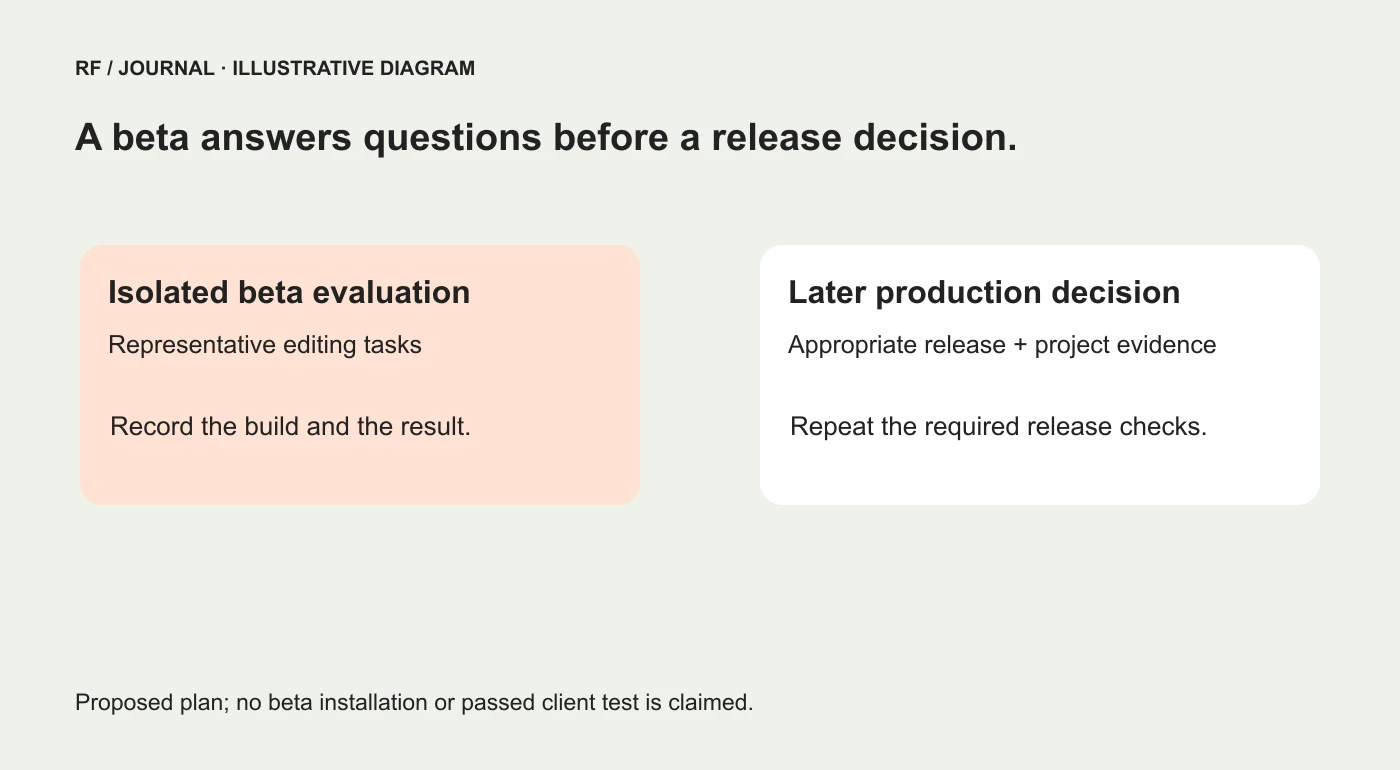
Proposed project boundaries. This is not a record of a beta installation or a passed release test.
Test a responsive gallery as content, not a decorative block
Start with a small gallery containing landscape and portrait images, a long caption and a subject positioned near one edge. Those choices expose layout assumptions more effectively than several nearly identical sample photographs.
Ask the editor to adjust the intended narrow-screen arrangement, save it and inspect the frontend. Then return to the editor and check what remains selected. A preview is useful, but the real rendered page is part of the acceptance task.
The official Gallery control development discussion documents work on columns and cropping in viewport states. It supports investigating those controls; it does not establish that every third-party block or theme implements the same behavior.
Review these details in the actual test build:
- Can the editor tell which viewport's settings they are changing?
- Does a change affect only the intended context?
- Is the important image subject still visible after cropping?
- Does a portrait remain proportional when it is meant to be uncropped?
- Can a long caption be read without breaking the layout?
- Does the saved frontend agree with the intended arrangement?
Also inspect widths between the familiar desktop and phone previews. Responsive behavior should not require the visitor to own exactly the device pictured in the design file.
Use our image optimization guide for the separate question of which files the page delivers. Correct layout and efficient image delivery are related, but one does not prove the other.
Inspect style inheritance before making another override
The beta information describes clearer access to inherited Global Styles values and finding customized blocks. The practical question is whether an editor can understand where a visible decision comes from.
Choose one heading, one button and one card already used by the project. Ask the reviewer to identify the source of a color or spacing choice, make an intended local change and then restore the shared behavior.
Do not count success only when the page looks right at the end. Inspect whether the exercise produced unnecessary local exceptions. A control can make editing easier while still allowing a team to create an impressive collection of almost-identical buttons.
If a shared rule is unclear, improve the project's editing guidance. The release cannot decide which values belong to the brand and which should remain flexible. That agreement belongs to the team.
Our small-business design system guide explains how to keep those rules small enough to maintain. Use the beta to evaluate whether the rules are easier to understand, not as a reason to create a new token for every afternoon's preference.
Try Notes with a real review question
Give the reviewer a specific instruction: identify a sentence that needs clarification, leave useful feedback and show the editor how to find it again. The exercise should test the feedback route, not merely whether a note icon can be clicked.
The October developer update separates work on editorial tools from simultaneous collaborative editing, which it says is not on the 7.2 roadmap. Notes should not be presented to a client as proof of a complete Google Docs-style coediting workflow.
Record who can see and act on the feedback in the intended roles. Check the review state after a save and a return visit. If the team also uses an external approval system, decide which system records the final decision.
Clear feedback has an owner, a question and an outcome. “Please improve this” is technically a note, in the same way that “somewhere over there” is technically a direction.
Evaluate media processing with representative files
The beta announcement describes expanded client-side processing in the Media Library. For a project, evaluate the actual output and workflow rather than treating the feature description as a measured performance result.
Prepare approved sample files that represent the team's usual work: a large photograph, a portrait and an image that needs transparency if the project uses them. Keep the original files available separately.
Inspect the resulting dimensions, file type, visible detail and any transparency that matters. Check that titles, alternative text and captions remain understandable in the editing workflow. If the output differs from the team's expectations, record the exact input and settings.
Do not publish a percentage saving or a faster-upload claim from a visual impression. If measuring the process, define the device, file, network conditions, comparison and timing method. A smaller output file alone is not evidence of improved conversions or a universal loading-speed gain.
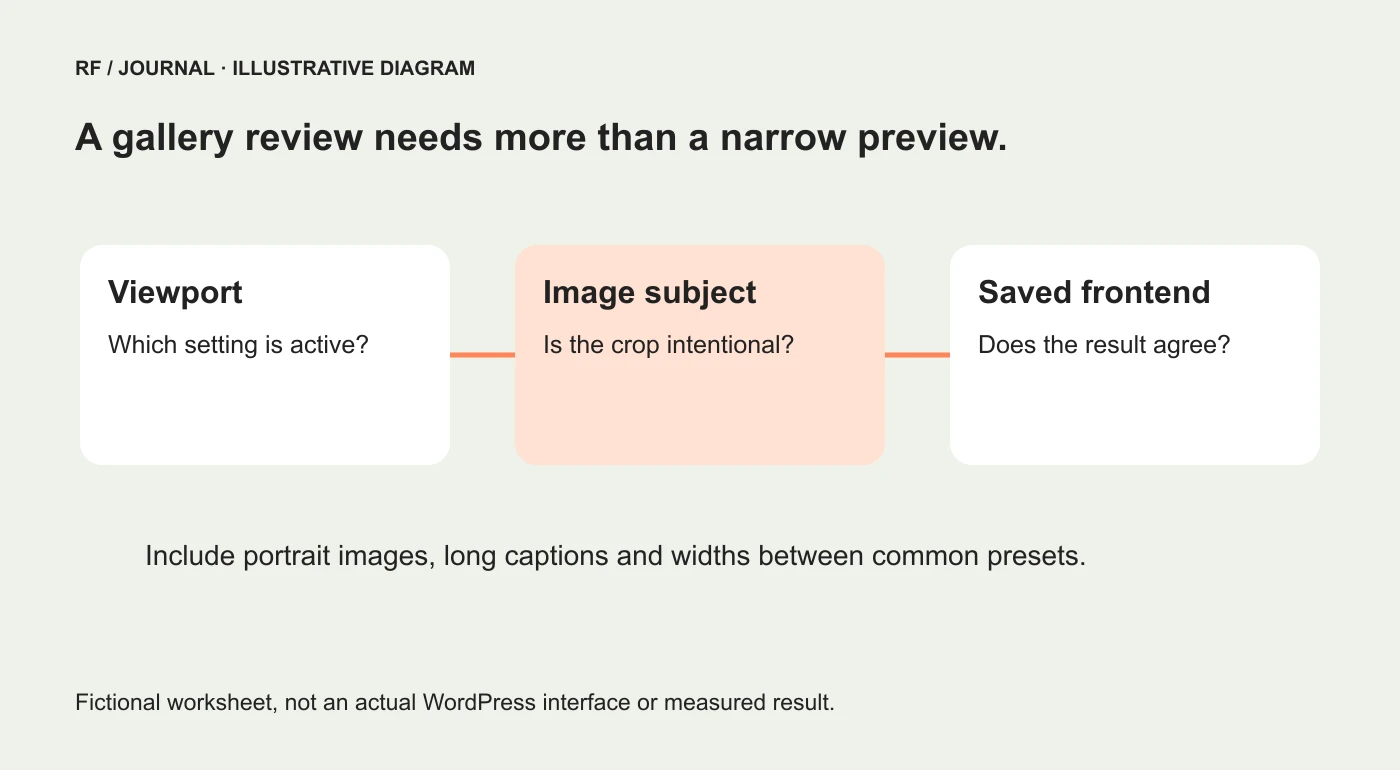
A fictional review worksheet, not a screenshot of WordPress 7.2 or measured test results.
Keep a short evidence sheet
Use one row per task. The working record should include the starting state, intended change, actual result and decision about follow-up.
| Proposed task | Evidence to retain | Question still requiring a real test |
|---|---|---|
| Change gallery layout | Before and after at recorded widths | Does the active theme preserve the intended result? |
| Restore a shared style | The source and resulting override state | Can the editor recover without developer help? |
| Leave and revisit feedback | Note location and review outcome | Do the intended roles understand the handoff? |
| Upload representative media | Original and resulting file details | Is output suitable for this workflow? |
Avoid marking every row passed because the page did not crash. A task can complete technically while the editor still cannot explain what changed. That uncertainty is part of the result.
Report a problem somebody else can reproduce
A useful beta report includes the build, environment, minimal content, steps, expected behavior and observed behavior. Remove customer information and secrets before sharing screenshots or logs.
If the issue appears only with one extension, describe the comparison that supports that observation. Do not turn one unsuccessful combination into a claim that the entire release is broken.
Likewise, a successful small test should remain a small success. It is evidence about the tested task and configuration, not a certificate covering every plugin the client might install later.
End with a planning decision, not an automatic upgrade
The output of this beta review should be a short list: useful changes to revisit, incompatibilities to investigate and acceptance checks to repeat against a later build.
Wait for the appropriate release and project-specific evidence before deciding on production deployment. That later decision still needs ownership, recovery planning and the site's important journeys checked. Our WordPress update checklist covers that release work.
For now, select one meaningful editing task and make the uncertainty visible. A beta is valuable because questions can still be answered before the project depends on the result.
AI-assisted editorial guidance. Original images are illustrative, not client evidence. Official documentation checked 23 October 2026.