
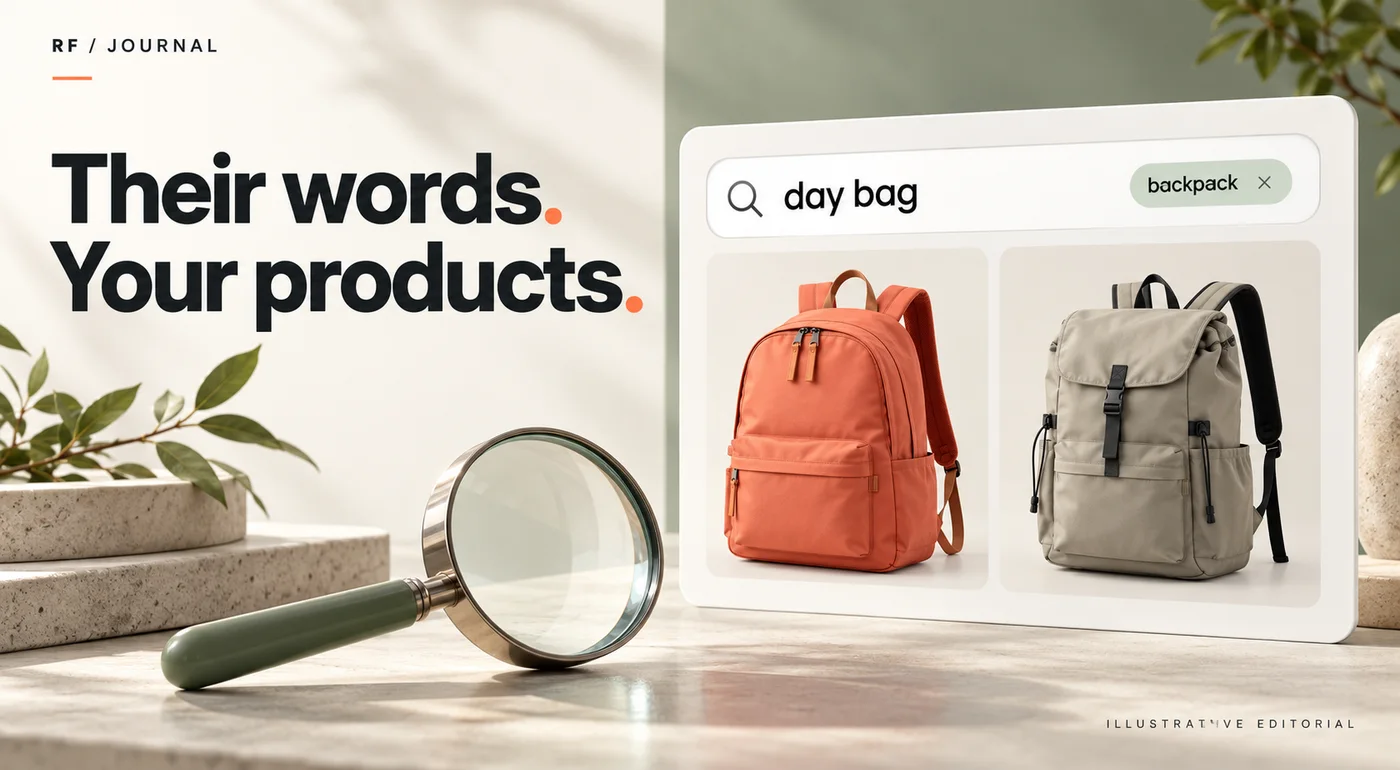
A customer searches for “day bag.” The catalog calls it a backpack. Another customer searches for a product the store no longer sells. Both searches may disappoint, but they are different problems.
Review actual query intent before changing search tools. Separate vocabulary gaps, weak product information, unavailable products and ranking concerns. Then choose a small correction and test whether the results answer the customer's task.
This article proposes a review process for Shopify's native storefront search. Third-party search apps can control results differently. Current Shopify guidance was checked on 22 October 2026; the example queries are fictional and no store search logs or customer results are claimed.
Start with a query notebook
Collect a modest set of representative queries from appropriate sources: available search reports, support questions, merchandising terminology and customer research the business is permitted to use. Remove personal information from shared working notes.
Do not invent popularity because a phrase sounds plausible. A staff member's suggested query is a hypothesis until evidence supports it. It can still be useful in a test set if labeled correctly.
For each query, record what the person might be trying to accomplish. “Small camera bag” could mean a compact bag, a bag for a compact camera or a bag with a particular internal measurement. The words alone do not settle the interpretation.
A query notebook makes those uncertainties visible. It is a better starting point than installing a new app and hoping its defaults understand the catalog.
Classify the problem before choosing the fix
| Query problem | Fictional example | Useful next investigation |
|---|---|---|
| Vocabulary mismatch | “Day bag” versus catalog “backpack” | Relevant wording and available search configuration |
| Missing product fact | “Water-resistant pouch” | Accurate product attributes and description |
| Unavailable item | A discontinued model name | Honest alternatives and availability explanation |
| Overly broad result | “Case” returns unrelated categories | Intent, product data and native search behavior |
| Third-party behavior | Results differ from native expectations | Search app settings and documentation |
Do not repair a missing product fact by adding an unsupported claim to the title. If a bag has not been verified as water-resistant, improved matching would only make the wrong promise easier to discover.
The search project therefore needs a merchandising owner, not only a developer. Somebody must confirm what the products actually are and which alternatives are appropriate.
Read the current native search guidance
Shopify's search behavior documentation explains built-in matching behavior and the role of product information. It also warns that a third-party search app can control results, making much of the native guidance inapplicable.
The current Search & Discovery customization page covers controls such as result types, product boosts and semantic understanding. Use the current documentation and the controls present in the actual account rather than following an old screenshot-based synonyms tutorial.
During research for this guide, older help paths redirected to the revised customization page. That is a useful reminder to verify the current workflow before promising a specific setting to a client. This article deliberately does not provide an unverified “click this synonyms button” walkthrough.
Also distinguish storefront search from Google Search. Adjusting a store's search experience is not a claim that Google will rank the site differently.
Improve catalog language without stuffing it
Use language a customer can recognize where it accurately describes the item. A backpack page can explain its intended use, dimensions and relevant features without repeating every imagined query in a long title.
Keep product facts consistent across related items. If one page describes capacity clearly and another hides it inside an image, customers have a harder comparison task even if both products appear in search.
Ask whether the query deserves a product, a category or an informational answer. “How to clean canvas” may be better served by useful care guidance than by forcing a particular bag to the top of every result.
For structured catalog work, read our product filters guide. Better attributes can help browsing and comparison as well as the wider product-information process.
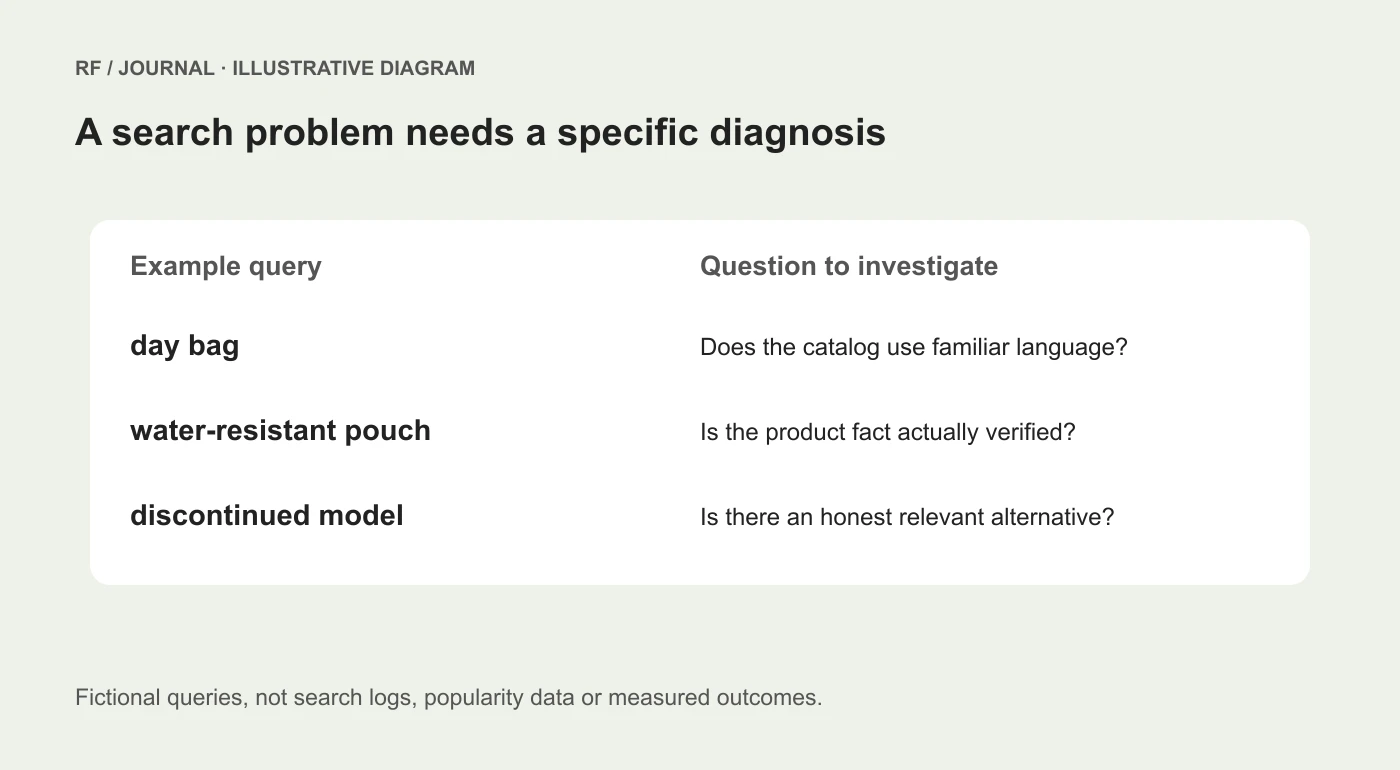
Fictional search examples for planning, not a dashboard or a record of customer searches.
Build a small acceptance set
Choose queries that represent different risks. Include an exact product name, an accurate alternative term, a use case, a plausible typo and an unavailable item. Add a query that should not match a particular promoted product.
For each query, define an acceptable result before making the change. The test should describe relevance, not merely the presence of a favorite product somewhere on the page.
For example, an acceptable result for “small day bag” might require clearly relevant bags and enough visible information to compare size. It should not require one predetermined item to rank first unless the business has a justified merchandising rule and the platform supports the intended control.
Keep the same query set for the before-and-after review. Otherwise, it is too easy to demonstrate improvement by changing the questions to ones that favor the new configuration.
Check the search journey after the results appear
Search quality includes the next step. Open the result and confirm the title, variant information, availability and product facts still answer the query.
If a result leads to a product with several sizes, make it clear which dimensions apply to the selected option. If the relevant variant is unavailable, do not assume that the general product's presence has solved the customer's problem.
Review the empty state as well. It should explain the situation and offer useful next actions without pretending the requested item exists. A category link, a broader query suggestion or a relevant help route can be appropriate depending on the catalog.
Avoid irrelevant recommendations that simply fill the space. A zero-results page with six unrelated products has more content, but not necessarily more help.
Use boosts with a reason and a review date
When using a supported merchandising control, document why the product deserves the association. Seasonal relevance, a genuinely matching use case or an approved campaign can be legitimate reasons to investigate.
Do not use boosts to hide inaccurate data or force every query toward a high-margin item. The result still needs to make sense to the person who typed the words.
Give temporary rules an owner and an expiry review. A campaign can end while its search customization remains. Revisit the acceptance set when important products, terminology or availability change.
Keep a record of the configuration and the evidence collected. A screenshot of a relevant result proves that result appeared under those conditions; it does not demonstrate higher sales.
Decide whether a new app is justified
After the native review, list the remaining requirements. They might concern a specific ranking control, language behavior, catalog scale or integration that the current setup cannot satisfy.
Evaluate candidate apps against those requirements and the same test queries. Include cost, maintenance, privacy and ownership in the decision. A more sophisticated tool still needs accurate product data and a person responsible for relevance.
Our Shopify app audit helps assess the operating side of that choice. The broader product discovery guide explains how search fits beside navigation and filters.
Begin with a dozen useful questions, not a promise of perfect search. The first improvement should help customers express what they mean and find an honest, relevant answer in the catalog.
AI-assisted editorial guidance. Original illustrations are conceptual, not client evidence. Platform documentation checked 22 October 2026.


