
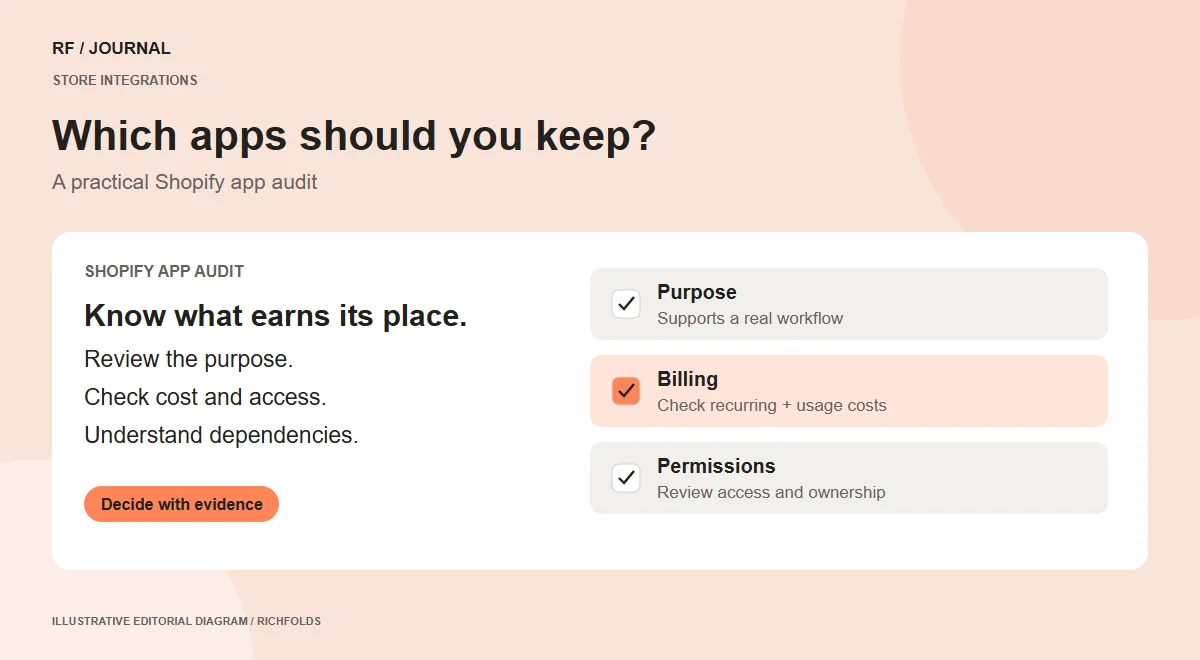
An effective Shopify app audit starts with ownership and purpose, not an uninstall button. List what each app does, who relies on it, how it is billed and which parts of the store it changes. Remove an app only after you understand the consequences and have checked the replacement or recovery path.
A store may accumulate tools for reviews, bundles, recommendations, subscriptions, tracking and fulfillment. Some remain essential even when their dashboard is rarely opened. Others duplicate a feature the store already provides. The audit should distinguish those cases rather than use app count as a performance score.
Build a useful app inventory
Create a worksheet with the app name, business owner, purpose, monthly or usage-based cost, data access and affected customer journeys. Add the last review date and a keep, investigate or replace decision. Shopify’s app management screen provides billing and permission information that can support this inventory.
For an illustrative store, a review app might support product-page trust, while a fulfillment app sends orders to a warehouse. Both could appear inactive during a quick inspection, but removing either can affect real work. Ask the people responsible for merchandising and operations before assigning a decision.
Look for overlap without losing capability
Compare outcomes rather than feature lists. If two apps offer recommendations, determine where each appears and whether one supports a distinct campaign or market. Document the behavior the business needs to preserve. A native feature may be sufficient, but confirm theme support and the actual customer experience before treating it as an equivalent replacement.
Record what would change in product pages, checkout, customer accounts and operational notifications. An attractive reduction in subscriptions can be outweighed by extra manual work if the replacement does not support the same process.
Check billing separately from installation
Review the relevant billing cycle, usage charges and any subscription managed directly with the app provider. Removing software and resolving every associated charge are not necessarily the same action. Use Shopify’s billing guidance and the provider’s terms to establish what remains payable; do not assume a pending charge is an error solely because an app was uninstalled.
Keep the audit factual. Record the billing arrangement and the next step, rather than promising a specific saving before the costs have been reconciled.
Validate a change in a controlled environment
Where the platform and integration allow it, test the proposed change in an unpublished theme or suitable test store. Review a representative product, search, cart and checkout journey. For operational apps, include the downstream system. Never send test orders to a real warehouse without an agreed test process.
For each candidate, write down:
- What is being removed or replaced.
- Which behavior must remain available.
- Who approves the change.
- How the team will detect a problem.
- The recovery or reinstall procedure.
Decide from evidence
Keep an app when it supports a necessary workflow and the cost is justified. Replace it when another approach meets the requirement more effectively. Investigate it when ownership or behavior is unclear. An audit is complete when the store has a maintainable decision record, not simply fewer installed tools.
Explore our ecommerce discovery guide for a related review of the shopping experience.


