
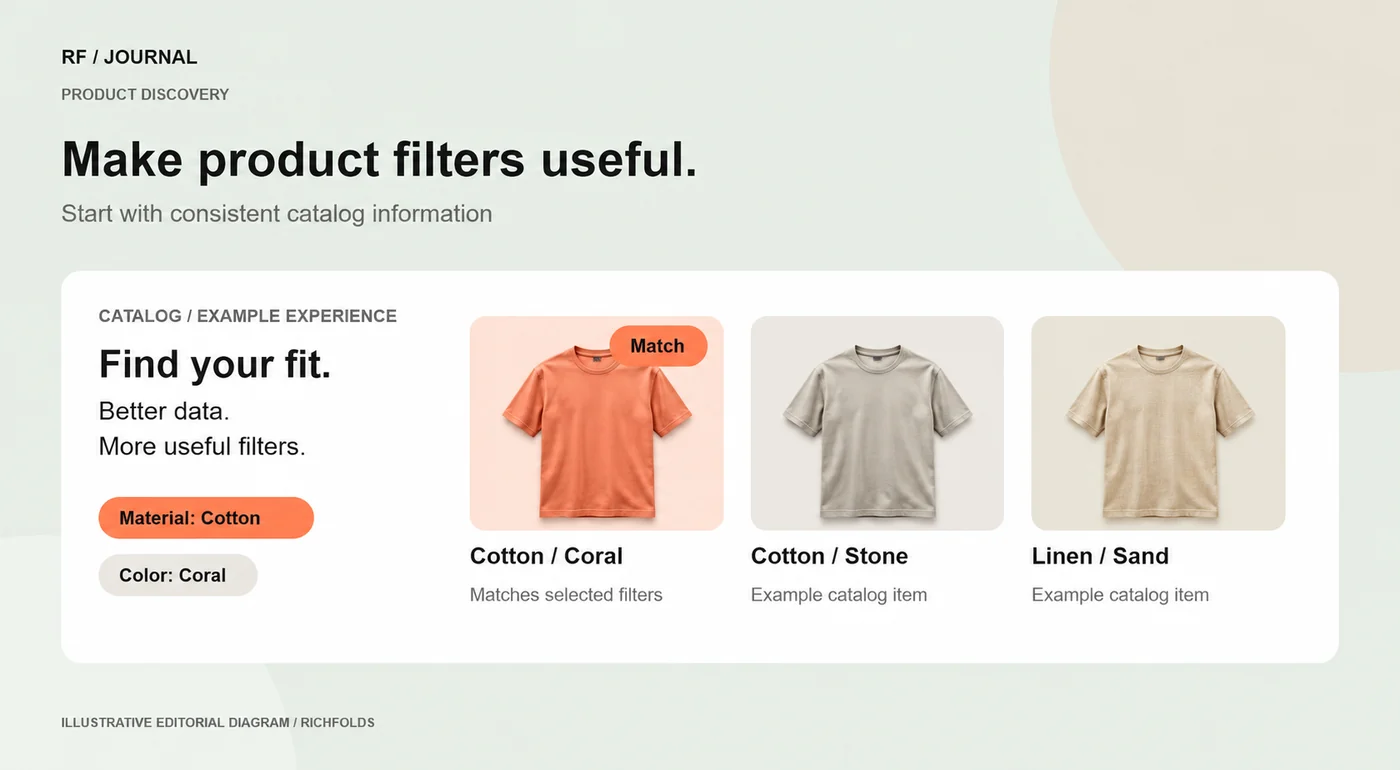
Shopify product filters are useful when they help a customer narrow a real decision. Before adding controls, identify the attributes shoppers use to choose a product and make those values consistent across the catalog. Then confirm the storefront supports the filters and test how the results behave.
A filter labelled material will not help much if the same fabric appears as cotton, Cotton and cotton blend without a deliberate distinction. The interface is only the visible part of a catalog system. Improving its data often matters more than adding another filter option.
Define the customer decision
Review support questions and the language used in search. For clothing, size and color may be important. For replacement parts, compatibility can matter more than appearance. Select a small number of useful dimensions rather than exposing every internal attribute.
For an example parts store, the first review could examine equipment model, fitting size and intended use. These are proposed attributes for a demonstration, not a claim that every parts catalog should use the same structure.
Normalize the underlying information
Agree the labels, units and allowed values. Check a representative sample for blanks, spelling differences and contradictory attributes. Decide whether each property belongs to the product, a variant or another supported field. Assign responsibility for maintaining it when new products are imported.
Avoid inventing missing values just to make the interface look complete. A missing compatibility value should trigger a catalog correction, not an assumption that the product fits every model.
Configure and check storefront support
Shopify documents filter configuration through Search & Discovery and the supported sources for filter values. Check the current documentation and the theme’s filtering support before configuring the presentation. A filter visible in administration is not proof that the customer can use it correctly on every page.
Test the label, order and behavior in an appropriate preview environment. Make active selections visible. Provide a straightforward way to clear one choice or start again. On a phone, the filter panel should remain understandable without covering the results indefinitely.
Test the difficult combinations
Use cases with no matches, one match and many matches. Include products with missing values and variants with limited availability. Check how the interface treats an empty filter value and whether the result count remains meaningful as customers change their selections.
A short test matrix should include:
- A first-time visitor choosing one filter.
- Two compatible filters used together.
- A combination with no products.
- Clearing a selection and returning to the full list.
- The same journey on a narrow screen.
Measure whether discovery improves
Look at category-to-product movement, product engagement and the downstream buying journey. A filter used frequently may still confuse customers if it repeatedly produces empty results. Combine analytics with usability observations before deciding the feature needs more options.
Use the product discovery guide to connect filter improvements with search and category navigation. A useful result is a clearer decision process, supported by data the team can maintain.


