
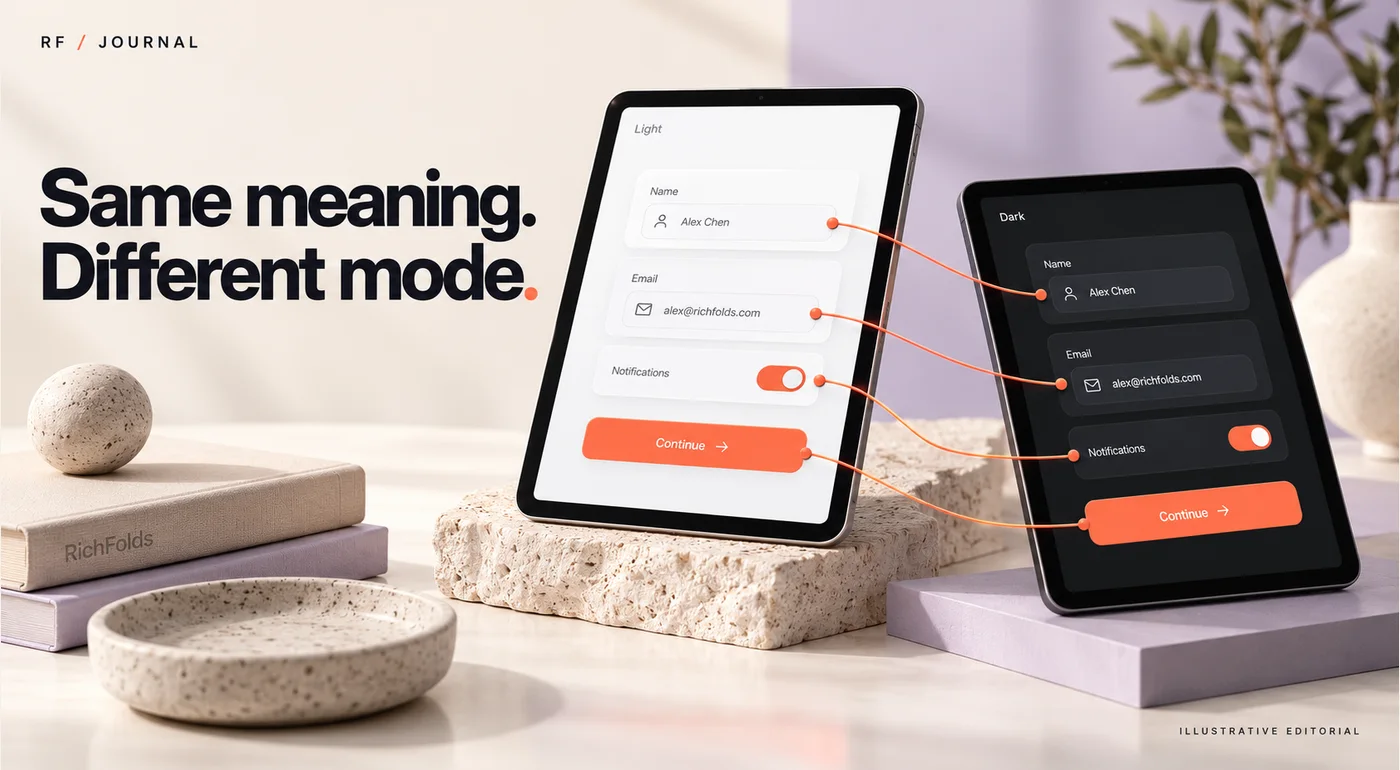
“Use the gray from the file” sounds like a design instruction until the file contains several grays, a dark mode and three nearly identical button states. Then it becomes a small detective assignment with a deadline.
Figma variables and modes can make those decisions more explicit. Their practical value is not the number of tokens in a collection. It is whether a designer and developer can identify the same role, understand its state and reproduce the intended behavior.
Start with semantic names and a small contract between design and code. This article proposes that contract for a business website. It is not a report of a completed client handoff. Figma documentation was checked on 22 October 2026; feature availability can vary by plan.
Name the role before choosing the value
A value says what something is today. A role says why the interface uses it.
For example, a dark color value can appear in body text, a border and a button. Those uses may need to change independently later. Giving all three the same raw name makes the file look tidy while hiding the distinction.
Use a small set of semantic roles such as text primary, text muted, surface page, surface raised, border default and action primary. The exact naming convention is a team decision. What matters is that the names communicate intended use.
Figma's variables overview explains variables, collections and modes. Variables can support reusable values and aliases; modes provide different values within a collection. Treat those capabilities as building blocks for a shared language, not a requirement to tokenize every detail in the file.
Separate raw values from semantic decisions
A practical structure can contain a small foundational set of values and a semantic layer that points to them. In a fictional interface, a neutral value might serve the primary text role in light mode while a different neutral serves that role in dark mode.
The point is that the component asks for primary text, not a particular shade name. That keeps its meaning stable when the visual value changes.
Use an alias only when the relationship is intentional. If two roles happen to share a value today but should evolve independently, forcing them into the same role can create an unnecessary dependency.
This is similar to writing a useful variable name in code. Calling everything “value” is admirably consistent and almost completely unhelpful.
Write a token contract the team can review
Before expanding the library, agree on a small mapping table.
| Design role | Use and acceptance question |
|---|---|
| Text primary | Main content. Is it readable on its actual surface? |
| Surface raised | Raised cards. Are they distinguishable in each mode? |
| Border default | Control boundary. Is the control recognizable without shadow alone? |
| Action primary | Main action background. Are text and states clear? |
| Focus indicator | Keyboard location. Is focus visible on each relevant surface? |
Keep the proposed code mapping beside the table:
- Text primary:
--text-primary. - Surface raised:
--surface-raised. - Border default:
--border-default. - Action primary:
--action-primary. - Focus indicator:
--focus-ring.
These names are illustrative, not an official Figma export format or an automatic integration. The project needs an agreed way to carry the mapping into its codebase.
Add ownership and review rules. Who can rename a role? What happens when a component needs a new state? Where does a developer report a mismatch? A small explicit process can prevent a growing pile of local exceptions.
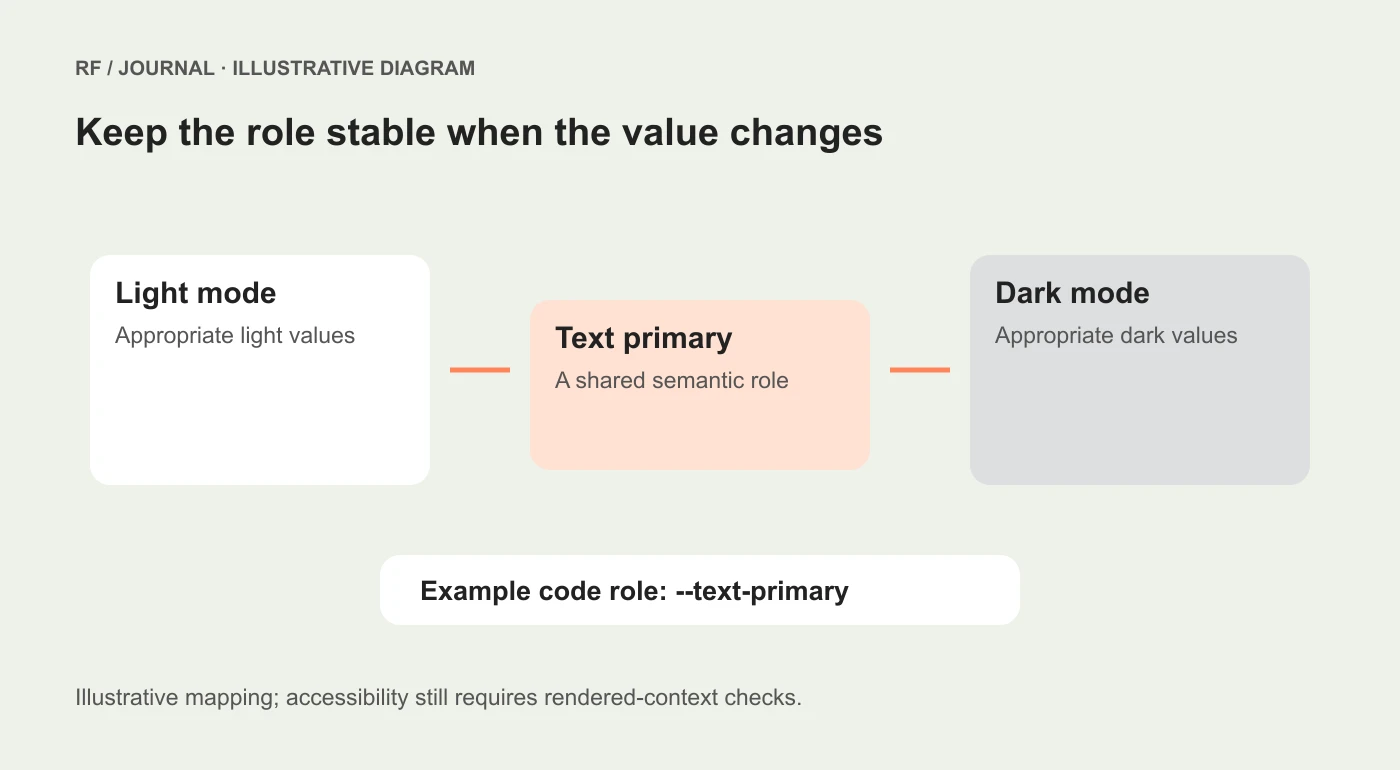
Example token relationships, not a screenshot of a Figma file or a deployed design system.
Use modes for coherent alternatives
Light and dark are an understandable example, but do not create modes simply because the feature is available. A mode should represent a meaningful alternative value set that the team can maintain and test.
Figma's modes documentation describes mode application and inheritance, including automatic behavior and explicit mode choices. That distinction matters when a nested component appears to ignore a frame's intended mode. Inspect its bindings and explicit settings before replacing values manually.
Confirm the number of modes available in the actual plan before promising a large theme matrix. Also decide which collections should change together. If one collection switches while another remains fixed, the resulting combination may need its own review.
Prefer a small number of complete, understandable alternatives over many unfinished combinations. A dark-mode heading on a light-only card is a useful test failure, not a new brand direction.
Review states that do not appear in the hero screenshot
The handoff needs ordinary content and uncomfortable states. Include long labels, error messages, disabled actions, selected items, hover behavior and keyboard focus where relevant.
For each component, identify which decisions are token-driven and which are component-specific. A global spacing role should not become a convenient excuse to apply the same padding to every interface element.
Use actual representative text where possible. “Button” is a very cooperative label. “Request an accessibility review” has more to say about the layout.
For responsive behavior, explain what changes and why. A collection of narrow screenshots is not a complete rule. The developer needs to know how wrapping, stacking, spacing and overflow should behave between the illustrated sizes.
Check accessibility in context
Tokens can make consistent changes easier, but a token name cannot certify accessibility. Contrast, focus visibility, target usability and reading order still depend on the rendered combination and interaction.
Evaluate text on its actual surface in each relevant mode. Inspect focus indicators beside neighboring colors. Review disabled and error states without relying only on color to communicate meaning.
Keep automated checks and human interaction checks distinct. A contrast result can answer a specific color-pair question. It does not establish that a form is understandable or that its keyboard sequence works.
Our keyboard accessibility guide provides a focused review for the implemented interface. Apply it after the token mapping reaches real components.
Make the developer handoff a comparison
Choose one representative component and compare design with the rendered version. Check the role mapping, modes, typography, spacing and state behavior. Record deviations with a reason rather than quietly accepting them.
Sometimes the codebase has an existing role that should be preserved. Sometimes the design reveals a missing concept. Resolve that decision before multiplying the same mismatch across twenty components.
If tokens are exported or synchronized through tooling, review the generated output and the integration method. An exported value file is not proof that every component consumes the intended role or that runtime mode switching behaves correctly.
The acceptance record can be simple: component, mode, state, expected behavior, observed result and owner of any correction. This article does not claim such a comparison has already been performed for a client.
Start with a useful slice
For a small website, begin with the page surface, text roles, a button, a field and one card. Build a complete example in the modes you actually need. Then use the findings to decide which roles deserve to become shared standards.
Our small-business design system guide explains the broader foundation. The variables work should make that foundation easier to use, not create a second project that nobody can finish.
The best token library is not the one with the most entries. It is the one that lets a designer say what an interface element means and lets a developer implement that meaning without guessing.
AI-assisted editorial guidance. Original illustrations are conceptual, not client evidence. Platform documentation checked 22 October 2026.


