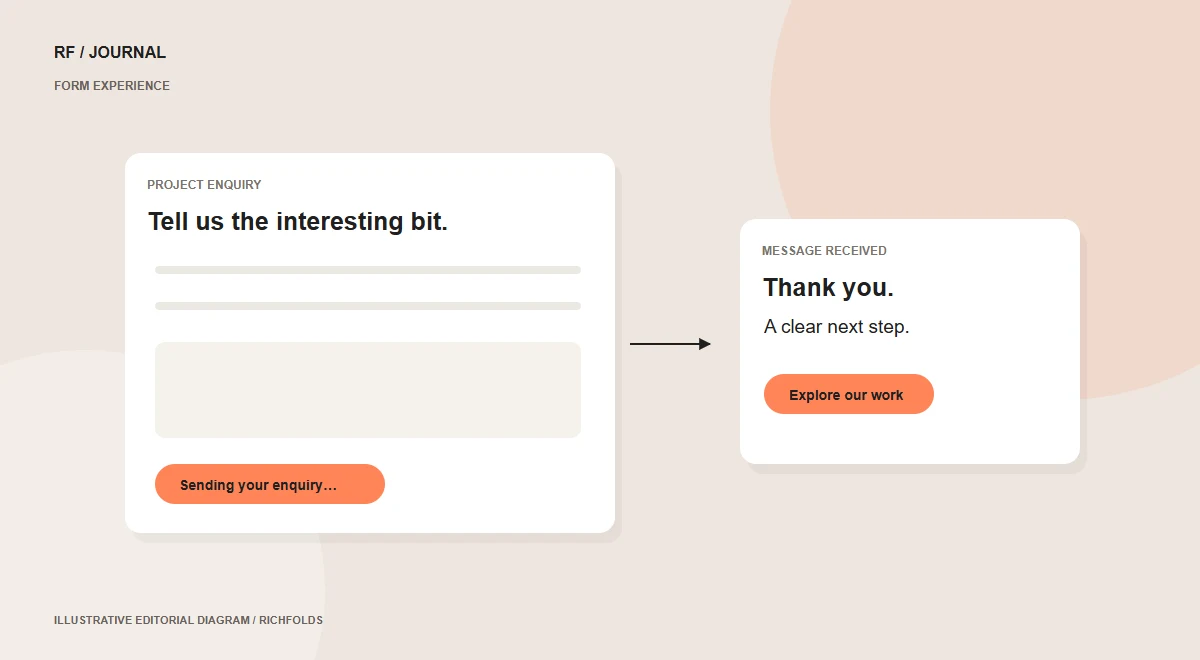
A visitor has already invested effort when they finish a project enquiry. Sending it should make the next step clear, not return them to the top of the page. On RichFolds, we replaced the reload-based interaction with asynchronous submission, visible loading feedback and a thank-you popup offering useful places to explore next.
Studio implementation: this describes the contact experience built for RichFolds itself.
Keep acceptance on the server
The browser sends the form in the background, but the server still checks the security token, robot challenge and required fields. Existing enquiry storage and email handling remain in the server process. A successful response follows acceptance of the enquiry. The interface does not replace validation or decide whether a submission is valid.
Show the request state
During submission, the button displays a spinner and a sending message. It is disabled while the request runs to discourage repeated clicks. If validation fails, the explanation appears beside the form and entered details remain available. A network problem is described as a delivery-confirmation problem rather than displaying misleading success feedback.
Make the confirmation useful
The popup explains that the enquiry has been received and gives a response expectation. It offers a work-showcase link and a readable sample article. Closing it returns the visitor to the form rather than forcing another page visit. With the Journal launching, relevant published articles can become the next recommendation.
Pay attention to keyboard behavior
A modal needs an accessible name, predictable focus and a way to close it. We used native dialog behavior, a labelled close button and Escape support. Focus moves to the thank-you heading and returns to the form control on close. SVG arrows and the close icon provide consistent appearance across fonts and devices.
Test failures as well as success
Checks covered loading feedback, retained values after errors, confirmation, article expansion and desktop/mobile layout. The live handler was checked for rejection of an invalid token and robot answer. These verify interaction and validation; they do not guarantee delivery by every email provider. Cached forms also request fresh security and robot tokens so an old page does not leave the visitor with an expired challenge.
Continue reading
- A/B testing starts with a better question
- How we reduced the Services page’s initial download by 89%
Sources & further reading
Published 13 October 2026. Check current platform documentation before implementation.